
Interactive Sound Story Cube
Source: Stemoto Original
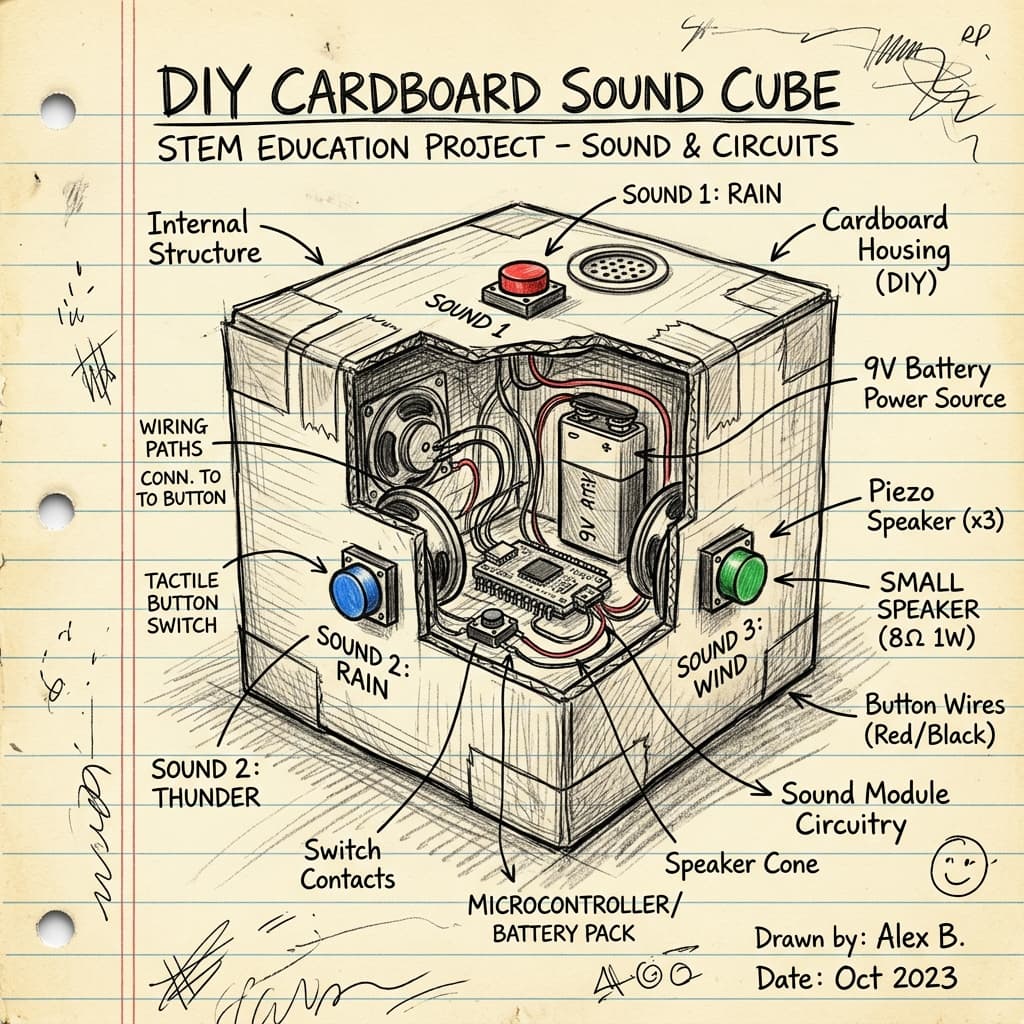
Roll the dice to hear a story! Build a 3D papercraft cube with different story prompts on each side, and wire a recordable sound module inside so it plays a sound effect or narration when pressed.
Categorisation
Props & Materials Required
- •Thick cardstock (printed with a cube template)
- •Small recordable sound module (like from a greeting card) OR a buzzer/button module
- •Scissors and double-sided tape
- •Markers or stickers for the story prompts
Step-by-Step Instructions
Prepare the Cube
Draw or print a 'cube net' (a cross shape made of 6 squares) on thick cardstock. Before folding it, draw a different character, place, or action on each of the 6 squares.
Record the Sound
Take your recordable sound module and record a fun sound effect or a piece of narration that matches one of your story sides. (If using a buzzer, skip this step).
Mount the Electronics
Fold the cube halfway so it makes a box shape. Tape the sound module securely to the inside wall of the cube. Make sure the 'Play' button is pressed right up against one of the cardboard sides.
Seal the Cube
Draw a little 'Push Here' circle on the outside of the cube exactly where the hidden button is. Carefully tape the final flaps of the cube closed so the electronics are completely sealed inside.
Roll and Tell!
Roll the cube like a dice! Whatever side lands face up, use that picture to start a story. When you get to the 'Push Here' side, press it to play your hidden sound effect!
Why It Works & Notes
This project merges geometry with interactive tech. Kids first learn spatial reasoning by folding a flat 2D 'net' into a 3D cube. Then, they engineer how to securely mount a delicate electronic sound module inside the hollow cube so the button can be pressed from the outside without crushing the paper structure.
Very safe, no-solder project. The electronic sound modules can usually be salvaged from old musical greeting cards if you don't want to buy them new! AI Optional: Have your child use an AI text generator to write 6 funny, short story prompts—one for each side of the cube!