Customizable Parade Robot
Source: Stemoto Original
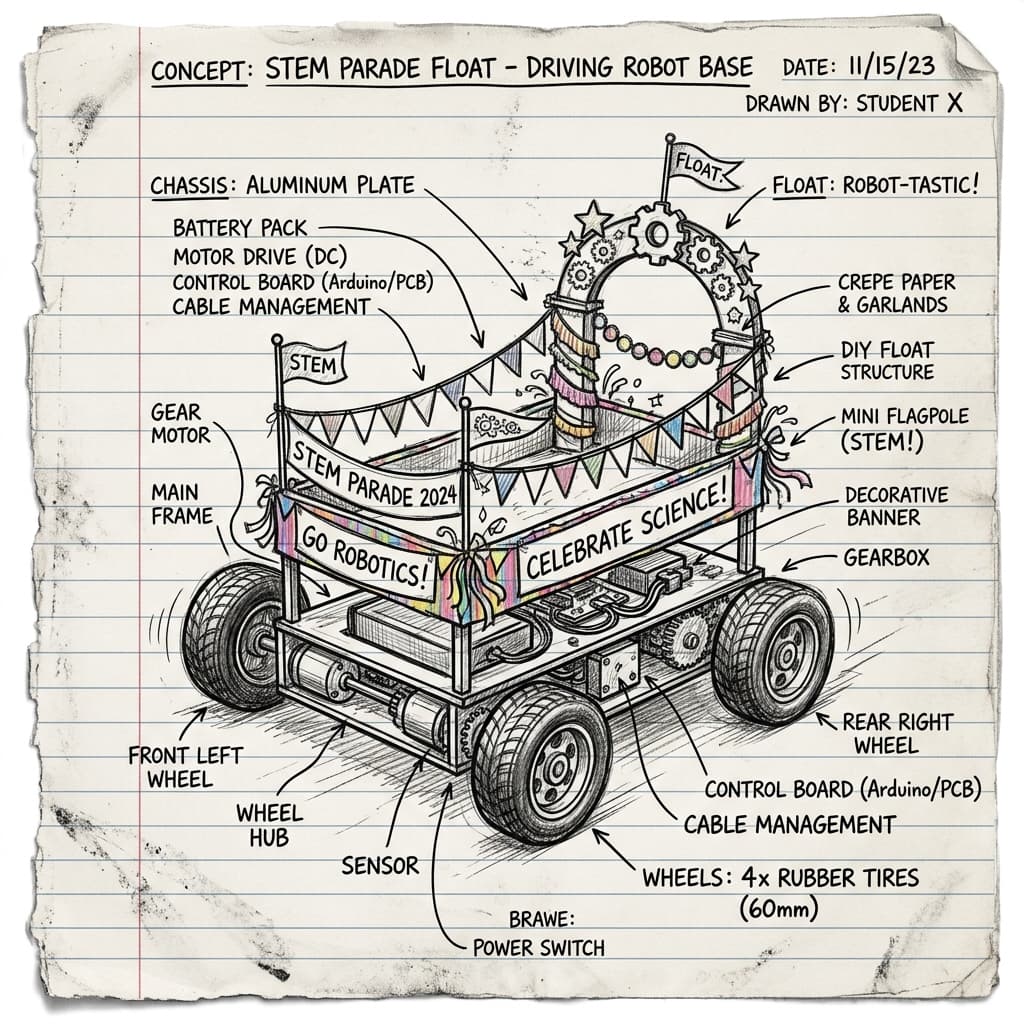
Throw a robot parade! Kids use block-coding to program a modular robot (like an mBot or Finch) to drive in a parade route, while designing an elaborate cardboard float costume for it to wear.
Categorisation
Props & Materials Required
- •A programmable educational robot (mBot, Finch, Dash, etc.)
- •A tablet or computer for coding
- •Cardboard, construction paper, and tape
- •Feathers, googly eyes, and pipe cleaners
Step-by-Step Instructions
Design the Costume
Measure your robot. Build a cardboard 'shell' that can rest securely on top of it without dragging on the floor or blocking the wheels.
Decorate the Float
Turn the shell into a parade float! It could be a dragon, a spaceship, or a giant glittering cake. Use feathers, markers, and pipe cleaners.
Dress the Robot
Use blue painter's tape or sticky tack to attach the costume to the robot. Ensure any ultrasonic or line-following sensors are not blocked by the cardboard.
Code the Route
Open your block-coding app. Write a sequence program: Move Forward 3 seconds, Turn Left 90 degrees, Flash LED lights red and blue, Play a happy sound.
Start the Parade
Place the robot on the floor, press start on your code, and watch your decorated float drive its parade route!
Why It Works & Notes
This bridges the gap between pure engineering and creative arts. The kids learn sequence programming (move forward, turn right, flash lights) while also learning mechanical design by ensuring their cardboard 'costume' doesn't block the robot's wheels or sensors.
This requires you to already own a programmable robot platform. AI Optional: Have your child use an AI chatbot to generate a 'fun sequence of parade movements' for them to try and code in block-code!